Easily Change Mobile Number and Update Details in Emirates ID

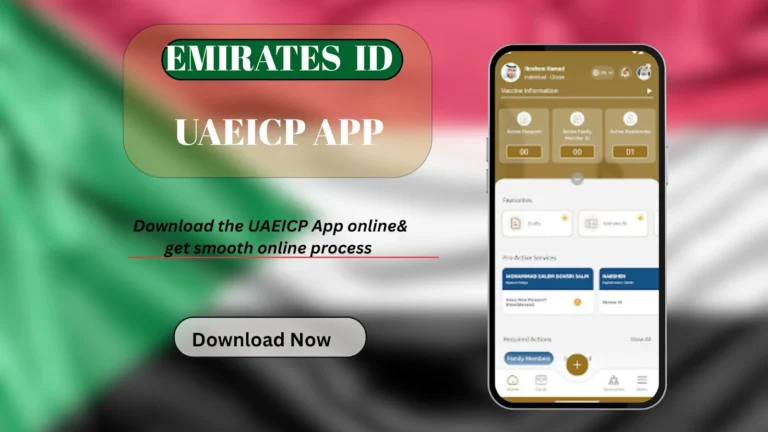
According to the Federal Authority for Identity, Citizenship, Customs & Ports Security, it is necessary to report any change in your card details within one month of the date of the change. You can use the UAEICP app or website to change your mobile number in Emirate ID. For this purpose, visit the services section and navigate to the “personal information” section, and change the Emirates ID mobile number. You can also update your information in ICP service centres.
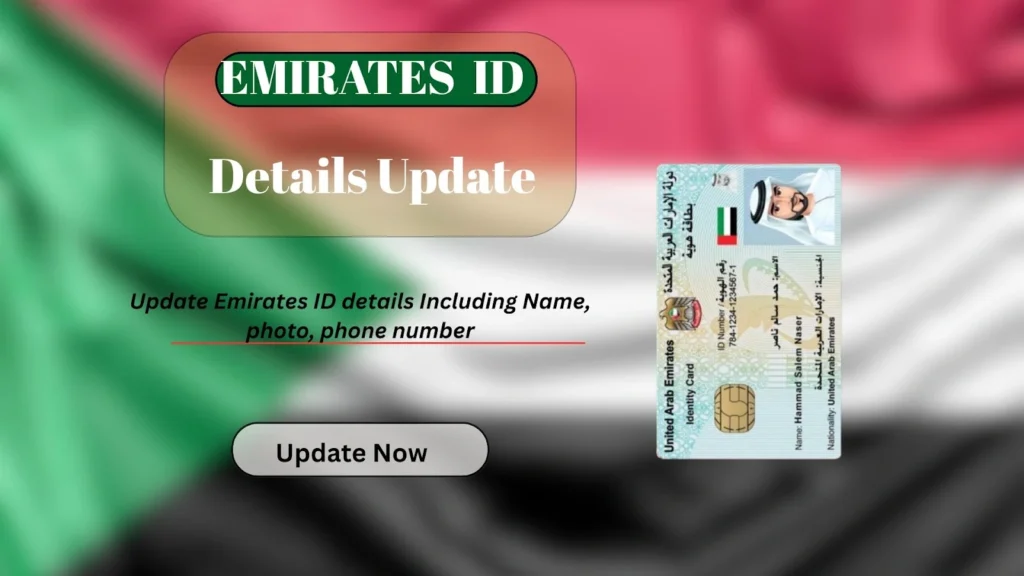
How to change the Mobile Number in the Emirates ID?
Updating the number is as straightforward as ID renewal. You can change the contact number online using the UAEICP app or the ICP official portal. You can also visit the ICP centres for in-person assistance. Below, I have provided a detailed tutorial with screenshots.
Change Details Online
Here is how to change how to change mobile number registered in the Emirates ID:
- Visit the ICP website and log in to your account using your sign-in details.
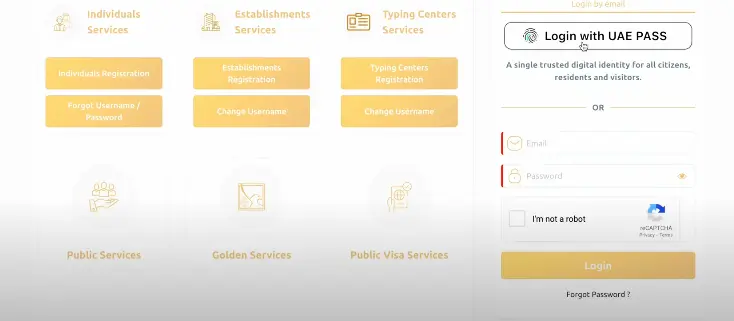
- Once logged in, navigate to the service section and click on the “other services” option and then “update your personal information” option.
- Click on the “same person” option and click on the next.
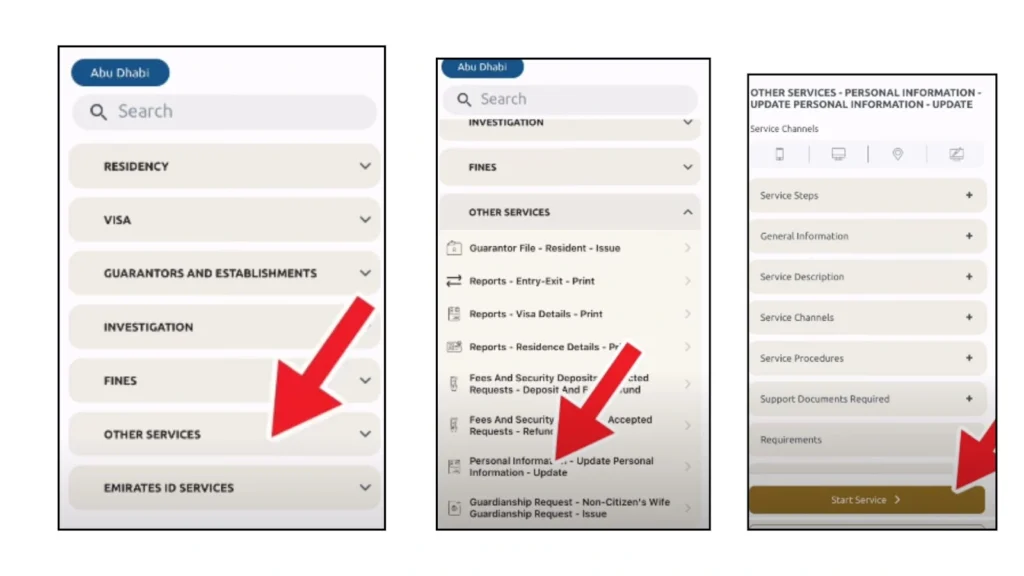
- Enter the new mobile number in the required section and click on the “send OTP” button.
- You will get an OTP on the new mobile number. Enter the OTP as soon as you receive it.
- Your mobile number has been changed successfully. You can also change other details, such as your Email, marital status, and your address.
- Once done, click on the Save to update the changes.
- Now scroll down and click on “I agree” and then “credit card” to make the payment.
- Complete the payment process and make your payment through your preferred method.
That is it, you have successfully updated the mobile number linked to your UAE ID.
Update Via ICP Service Center
Here is the step-by-step guide to update your ID information is ICP service centers:
- Visit any ICA service center or smart police station in the UAE.
- Bring your Emirates ID and passport for verification.
- Staff will help you update your details.
- Payment is usually made at the center during your visit.
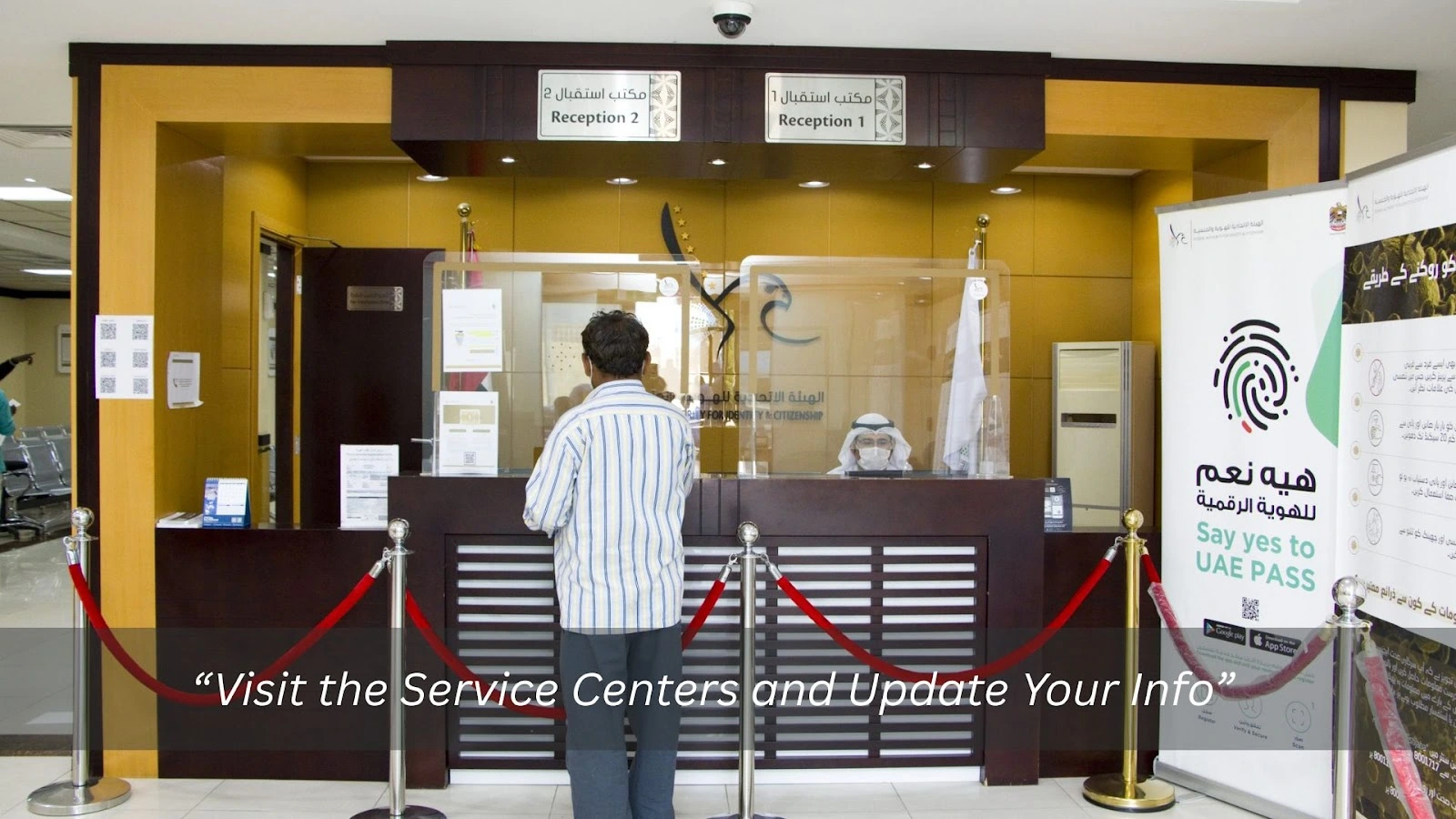
In this way, you can change all he details of your ID card, including photo, signature, mobile number, and name.
Updates Fees
The ICP charges a fee whenever you update the details. Here are the details about the update fee:
Type of Update | Fee (AED) | Notes |
Update Mobile Number | 53 | Fee for online update via ICA portal/app |
Update Other Personal Details | 150 | Includes service fees for data updates |
Update via Smart Police Station | Free | Usually no fee when done in person at centers |

Tips To Update The Information Successfully
Here are some things that I always follow to update the Emirate ID card Information successfully:
FAQs
Conclusion
It is necessary to update the ICP about any change as soon as possible. You can change your Emirates Phone number, marital status, photo, and every other detail online via the ICP app or website. Additionally, you can visit the ICP service centers for in-person guidance. The service charges will be applied upon updating your UAEE ID details.